
After registering and logging in you can edit general information about your location.
Why is this needed? #
General information about your business reflects the structure of locations in the online booking widget that is published on Google Maps or Instagram.
Editing #
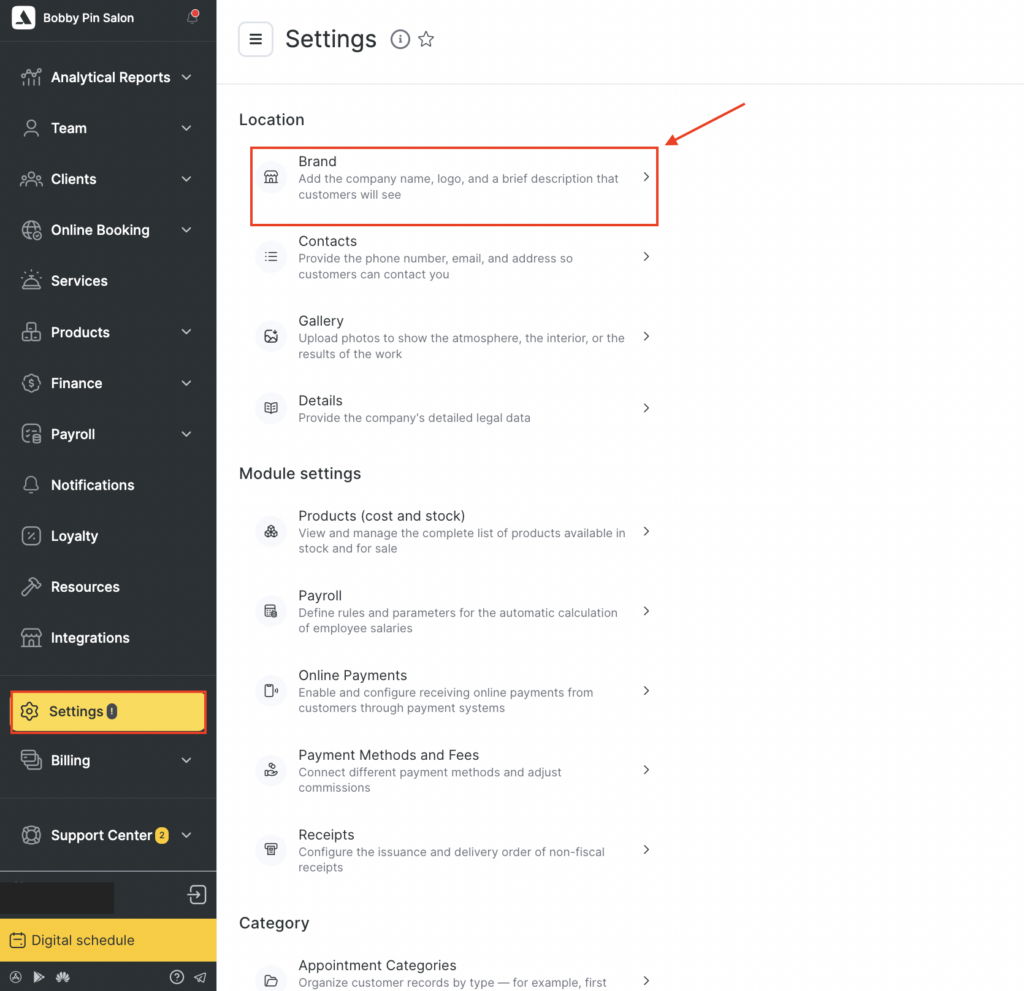
- Go to the main menu and select Settings > Location > Brand.
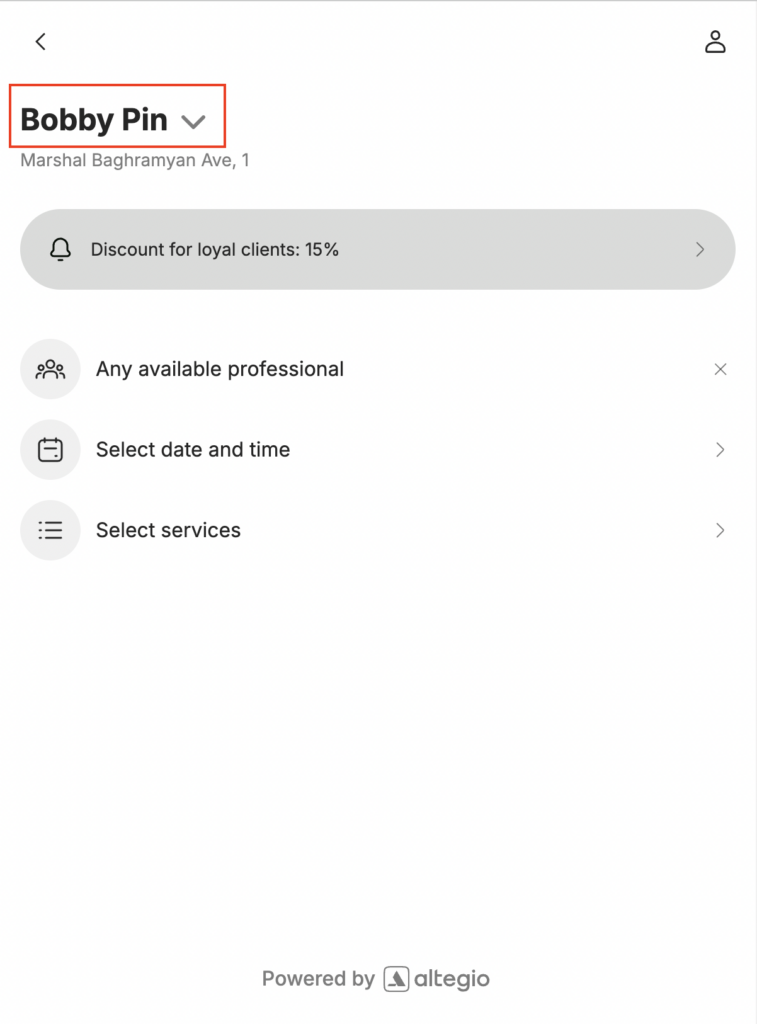
- The company name will be used on external resources; enter it without quotation marks and legal forms: correct – Face&Body, incorrect – LLC “Face&Body”.
- Upload a logo: recommended resolution 500 x 500 px. The logo should be placed on a white or transparent background. Maximum file size: 12 MB.
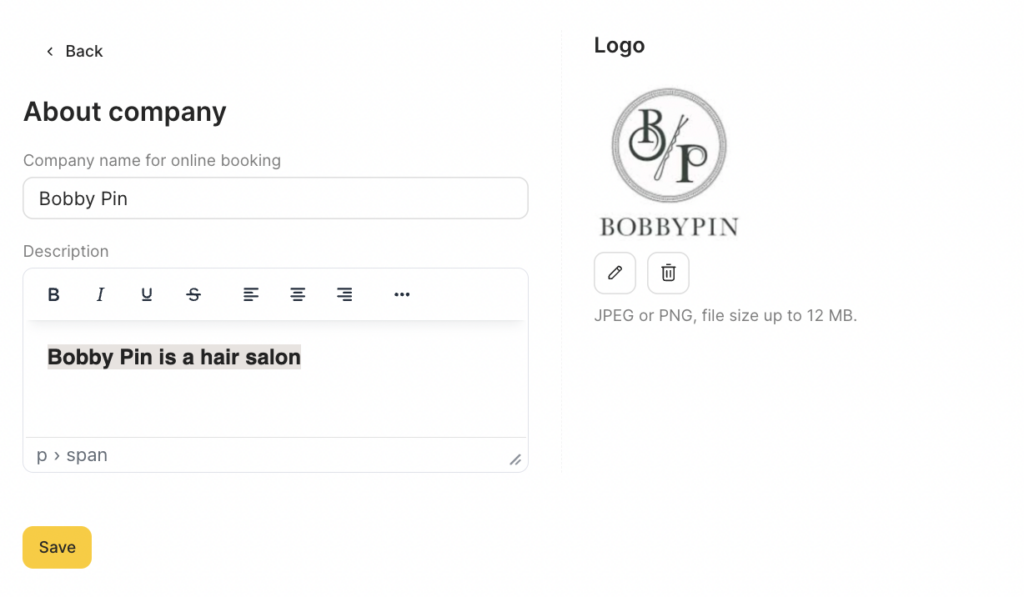
- Add your company description. Your company description is an essential part of your online booking widget. It provides clients with important information about your business and helps them make informed decisions when booking with you. According to Altegio statistics, 24% of clients open this section, so it’s essential to convey your message effectively to capture their attention.
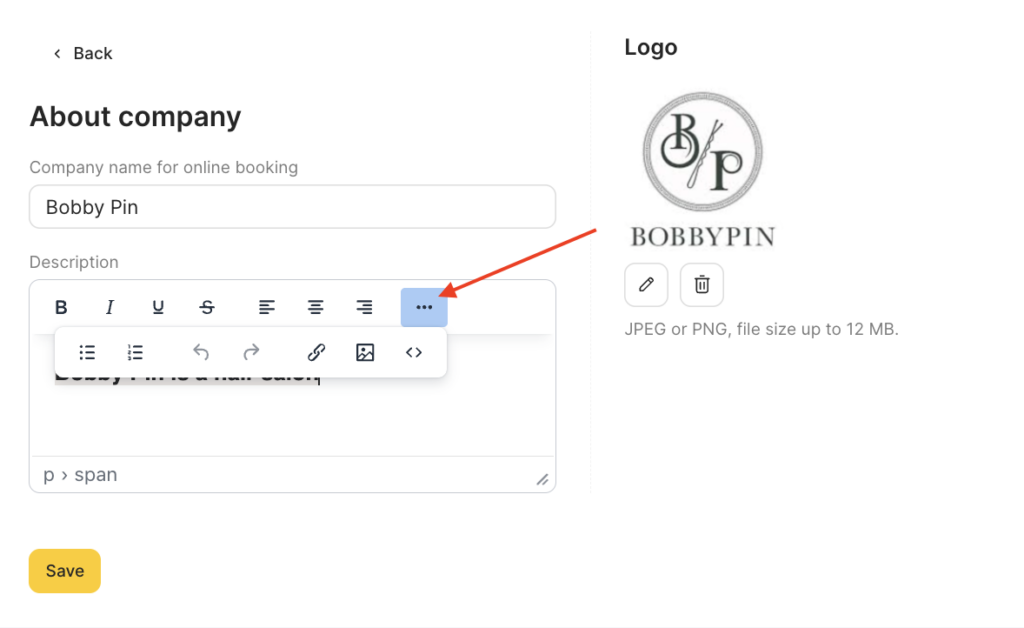
You can include details about your advantages, what you do, and how you can help clients resolve their issues. To make your description more detailed, you can add links, videos, and pictures.
- Make sure to click Save.
Keep your description concise and easy to read. We recommend avoiding a wide variety of styles, colors, and font sizes, as this can increase eye fatigue and make it more difficult to perceive information.
After these settings, you can fill out your contact details.

