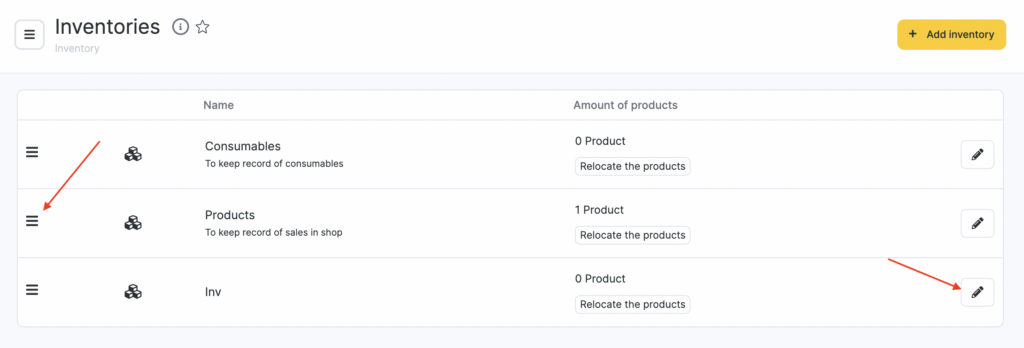
This section shows information about all company inventories. Here you can transfer items between inventories and edit inventory details.
Setup and editing #
- To get started, go to Products > Inventories (Administration mode).
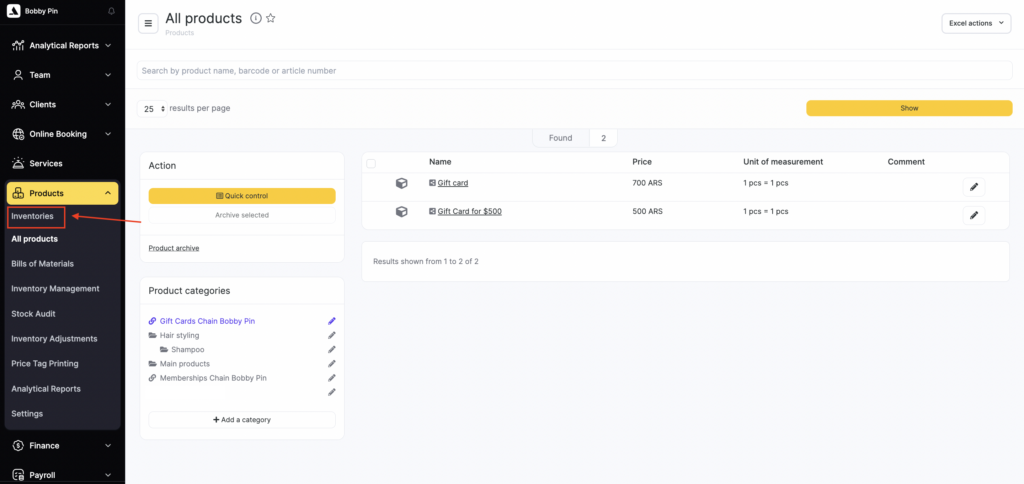
By default, Altegio has two inventories: Consumables and Products. You can add, configure, and delete inventories (for more details, see the Creating and setting up a new inventory article).
- You can reorder inventories in the list: click the three-line icon to the left of the inventory name and drag the row to the desired position. This order is used in the inventory list when selling a product or creating any inventory operation.
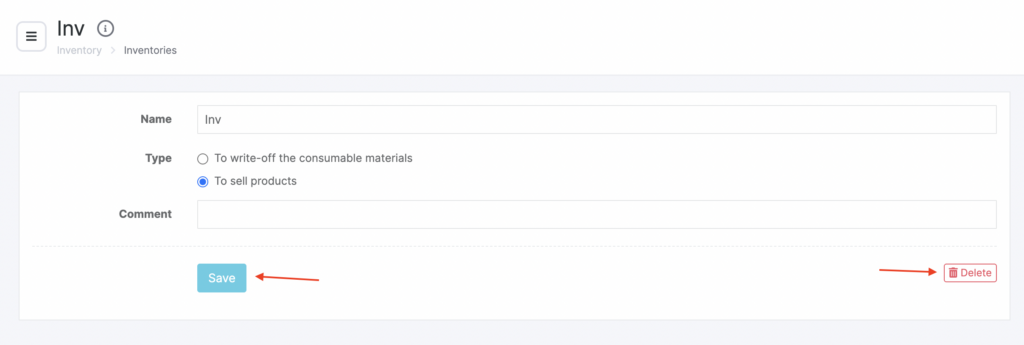
- You can edit information for any inventory. To do this, select the inventory and click its name or the pencil icon. In the window that opens, change the inventory name, type, and comment, then click Save. You can also delete the inventory here.