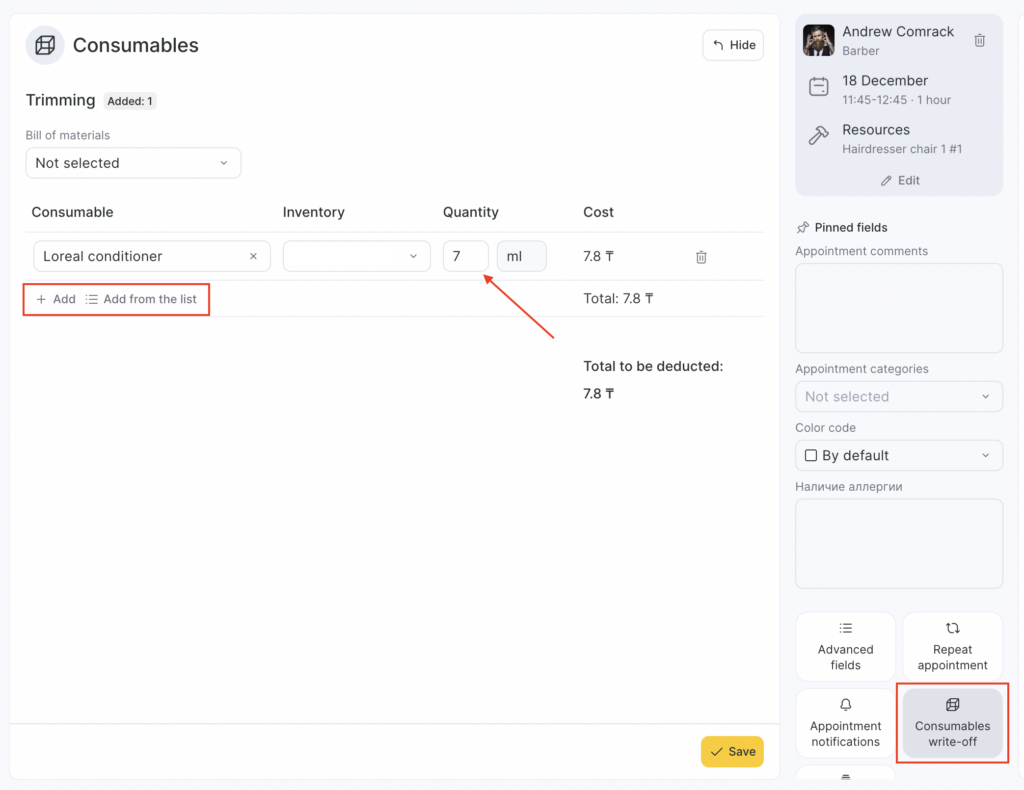
Altegio lets you automatically write off consumables when providing services.
The write-off is configured using bill of materials linked to services.
A bill of materials is a list of consumables required to provide a service. For example, the “Hair Coloring” service may use shampoo, hair dye, developer, etc., in specific quantities.
If you set up a bill of material for this service, all consumables will be automatically written off from the inventory, and an inventory write-off transaction for consumables will be created.
How to set up automatic consumables write-off #
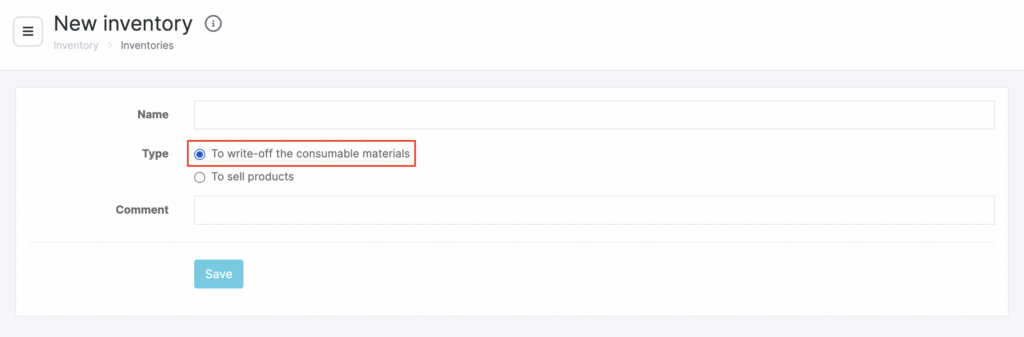
- Create an inventory where consumables for write-off will be stored. A detailed guide is available in the article Creating and setting up a new inventory.
- When choosing the inventory type, make sure to select For consumables write-off.
- Add the consumables that need to be written off to the product catalog under Products > Inventories. A detailed guide is available in this article.
- Record a product arrival to the inventory you created for consumables write-off. A detailed guide is available in this article.
- Create bill of materials and link them to services. A detailed guide is available in this article. Only one bill of material can be linked to a single service.
The setup is complete. Now Altegio will record the write-off of consumables from the inventory when you select the Arrived status in the appointment window for an appointment with that service.
You can view data on the quantities and types of written-off materials in Products > Inventory Management
Important
If, during service delivery, the actual consumables used differ from the values set in the bill of materials, you can correct this in the appointment window under Consumables write-off.