- Go to Inventory > Inventories and click Relocate products.

- In the window that opens, set the date and time of the transfer, then select the From inventory and the To inventory.
- Add the products.
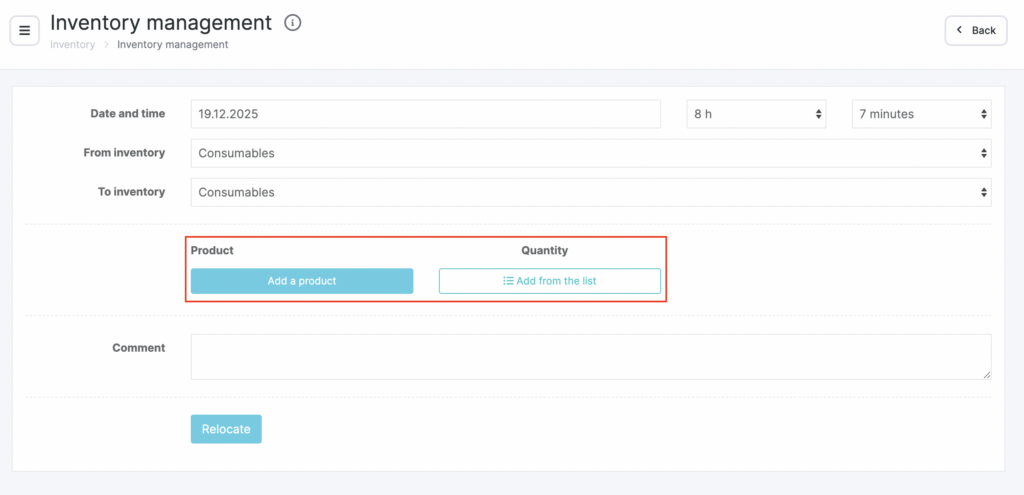
Two ways to add products #
1) Add each product one by one #
- Click Add product and enter the product name or SKU (see the product catalog setup article for details).
- Enter the Quantity (units of measure will be pulled automatically from the product card).
- Add a Comment and click Relocate.

2) Add products from a list #
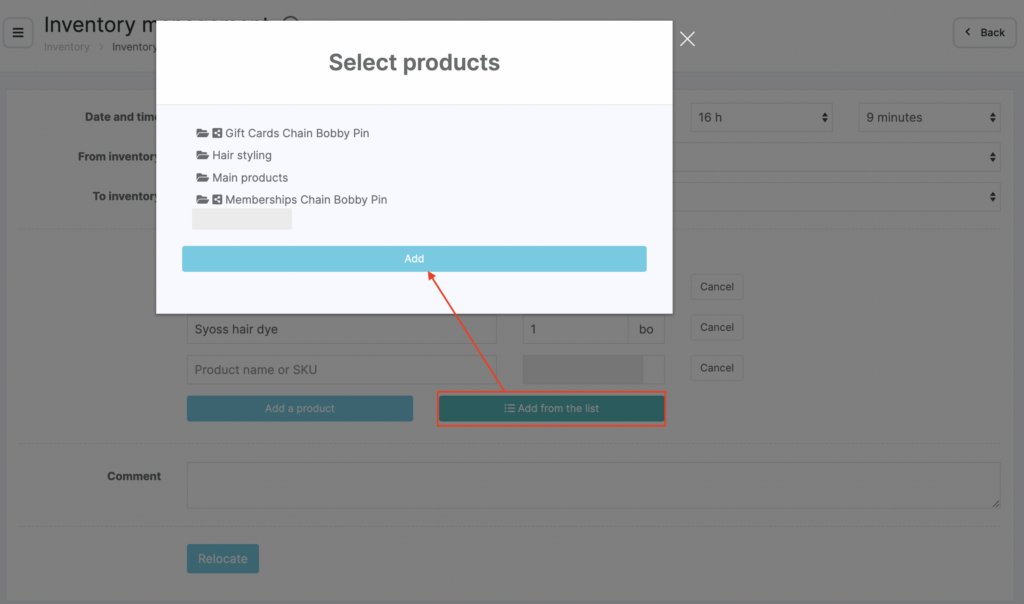
- Click Add from list.
- Select a category, click its name, then click Add.
- Check the products you want to transfer and click Add.
Enter the Quantity (units of measure will be pulled automatically from the product card). - Add a Comment and click Relocate.