
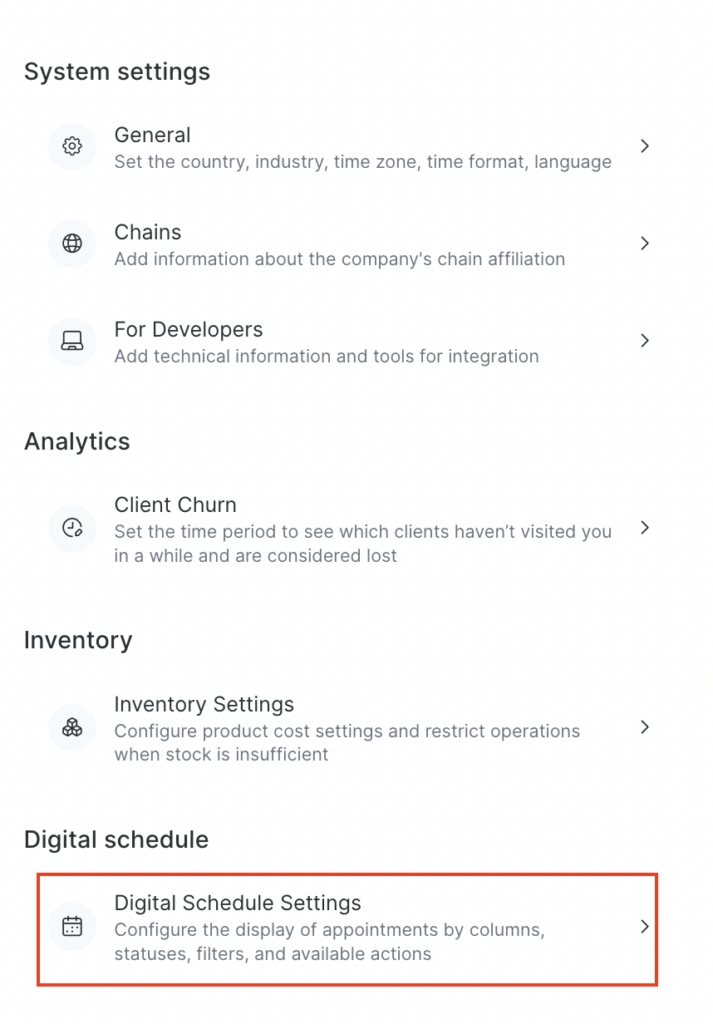
A visit is a client’s appointments for a day that are combined by the Interval between unique visits function (configured in Settings > Digital schedule > Digital Schedule Settings). A client can have several visits per day.
Statuses directly affect statistics, payroll calculations, and notifications, so they must be updated.
Altegio provides 4 types of statuses: Pending, Arrived, No-show, Confirmed.

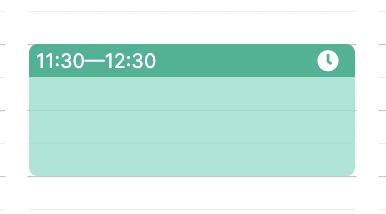
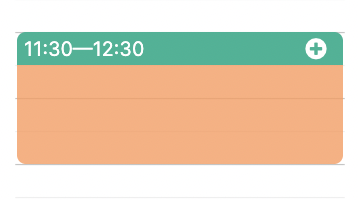
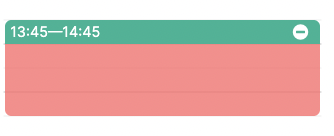
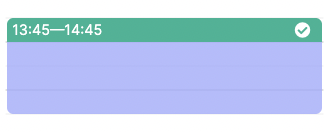
To indicate the status of a client’s visit, additional visit information, or the type of appointment, the Appointment Calendar uses the following colors and labels:
- Pending
- Arrived
- No-Show
- Confirmed
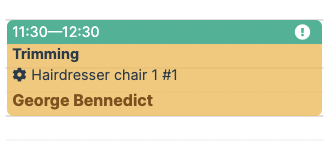
And a separate status you may incur:
- The visit is not paid in full
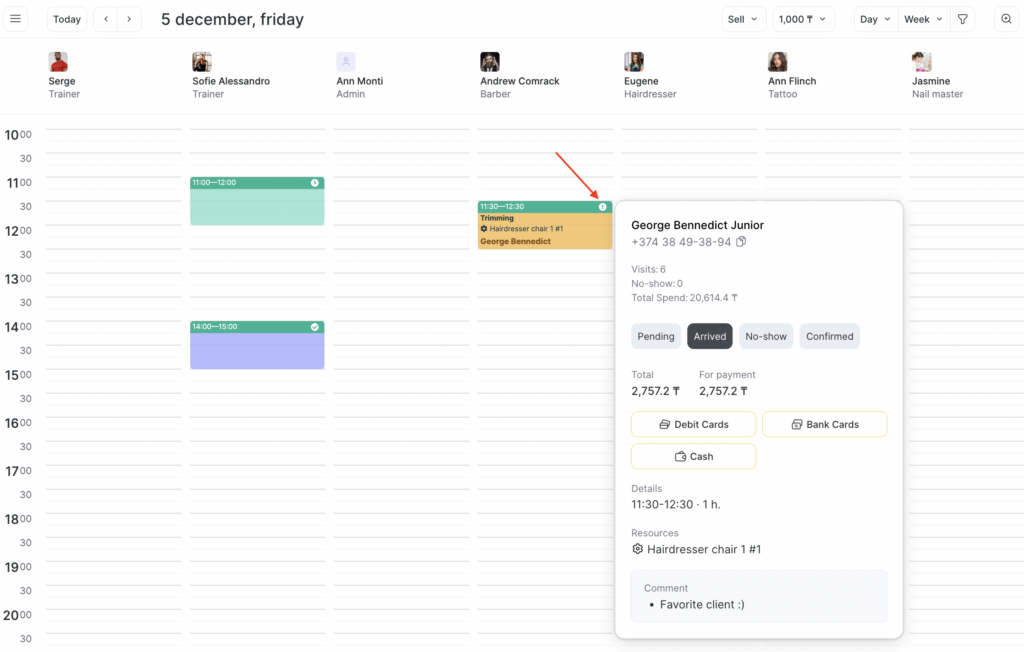
You can conveniently update the visit status without the need to open the visit window. Simply hover your cursor over the upper right corner of the appointment card, and then choose your preferred status from the pop-up window, just as illustrated in the example below:
Additional indications in the header of the appointment are the following:
- This professional only

- Any team member

- Full online payment

- Partial online payment





The color of the appointment header is determined by the appointment status and how it was created:
- You will see a green header if the booking was created by your receptionist (or another team member with the right to create bookings in the Appointment Calendar).
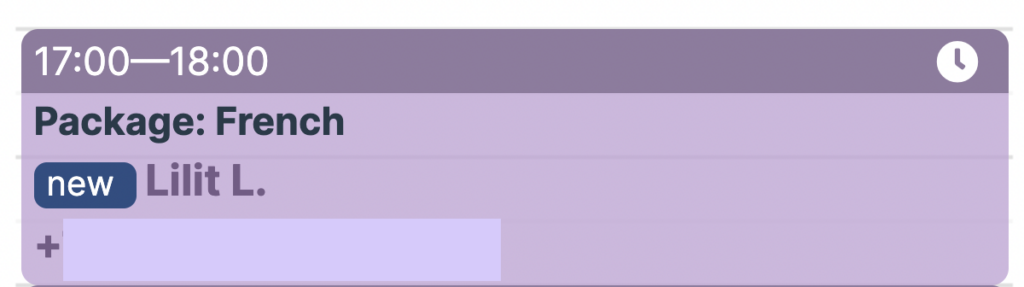
- The header of the online booking created by the client will be purple.
If you have enabled automatic deduction from membership for a service, appointments with this service will be identified with an additional status:
- If the automatic deduction is on then the visits will have the “Automatic deduction” status:

- If the automatic deduction was successful then the “Deducted” status will appear:

- If the automatic deduction wasn’t successful then the “Not deducted” status will appear: