
In Altegio, you can move an appointment from one team member to another, from one time to another, or from one date to another.
You can do this in several ways:
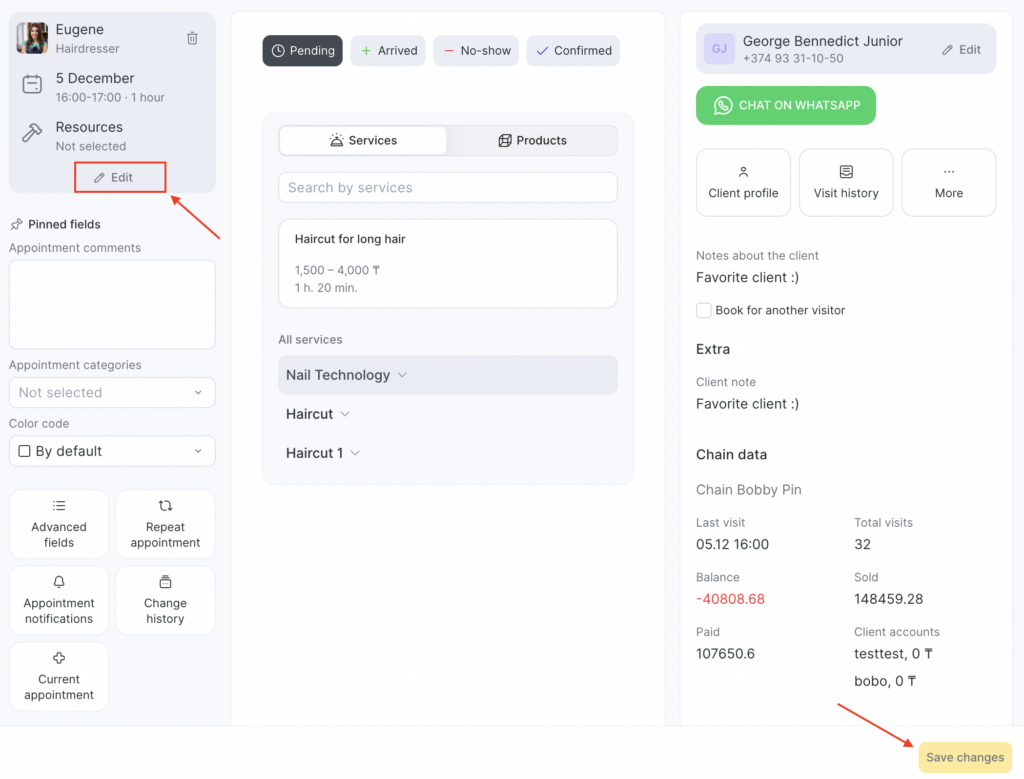
- Select the required appointment in the Appointment Calendar and open the visit window. Then, in the upper left corner, select the team member you want to move the appointment to, and change the date and time there as well. Click Save changes.
- In the Appointment Calendar, hover your cursor over the booking you wish to reschedule. Click and hold the left button on your mouse, then drag the appointment to the desired location within the calendar, such as a specific team member’s column, time, and day (available when viewing the weekly schedule).