
With the Yandex Maps service, companies can attract new clients who can book services online.
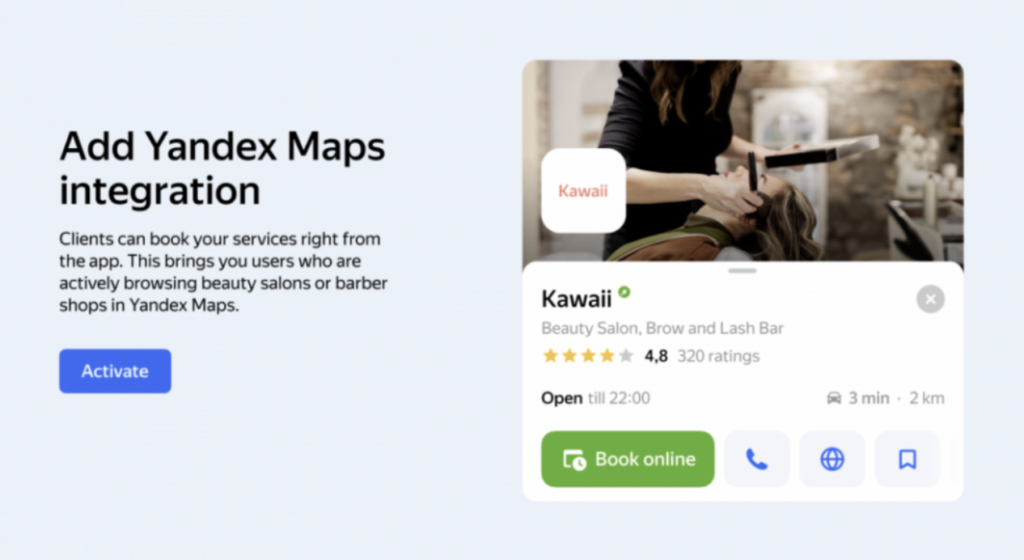
You can install the online booking widget in the Yandex Maps interface. In this case, Yandex will create its own widget based on the data from your Altegio branch.
Your clients will be able to book services directly through this widget — no need to go to a website, another app, or call.
Moreover, they’ll be able to build a route to the appointment location right inside the app. This significantly simplifies the booking process and makes it more convenient for clients.
You can track when a booking was made via Yandex Maps. To do this, go to Overview > Appointments — in the Source column, it will show Partners: Yandex Maps.
Important
Online booking is available for organizations in almost any business area, except for some categories mainly related to medicine and automotive services. The full list of areas where online booking is available can be found via the link.
If your company has an advertising subscription or priority placement enabled, the online booking button connected via the integration app will not be displayed.
With priority placement, you can add a link to your booking form to the action button. To do this, make sure that in the Yandex Maps account, the “Link click-through” field contains your online booking form link.
Here’s how to do it:
- Log in to the advertising campaign.
- Go to Advertising materials.
- Select the active action button.
- Choose the label “Book online” from the list.
- Enter the link to your Altegio widget in the format
https://nXXXXXX.alteg.ioin the “Link click-through” field.
You can copy it in Online booking > Online booking forms.
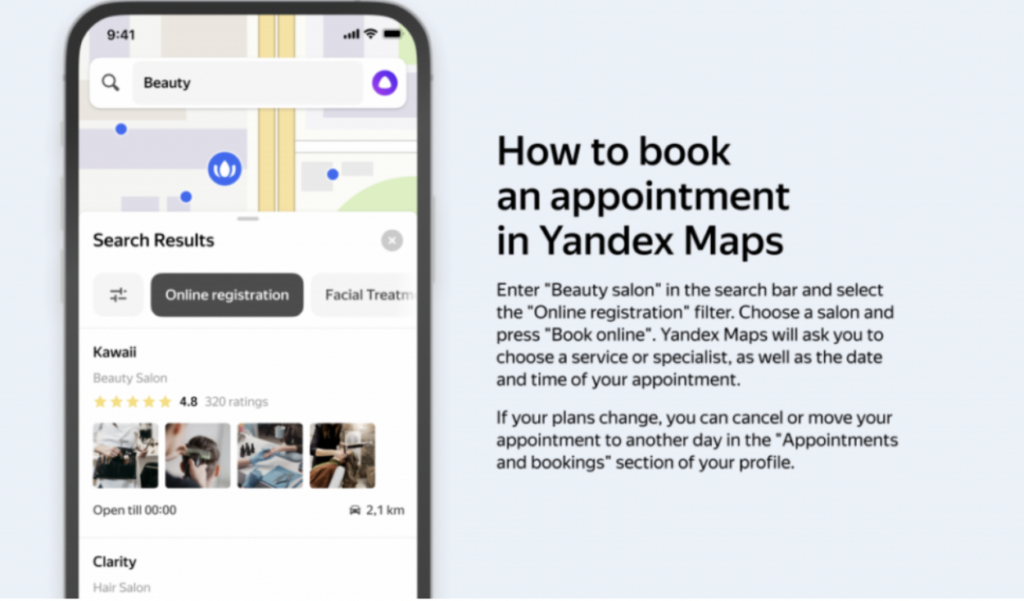
Connecting online booking on Yandex Maps is possible if the following conditions are met:
- The organization belongs to one of the categories approved by Yandex Maps.
- An active (paid) Altegio license (connection is not available on the trial version).
- Connection is free for all companies in the approved categories.
Your organization card will appear only if you have at least one individual service available for online booking.
Services for group events will not be shown in the Yandex Maps widget.
Integration setup #
- Before connecting the integration, make sure your organization has been added to Yandex Maps.
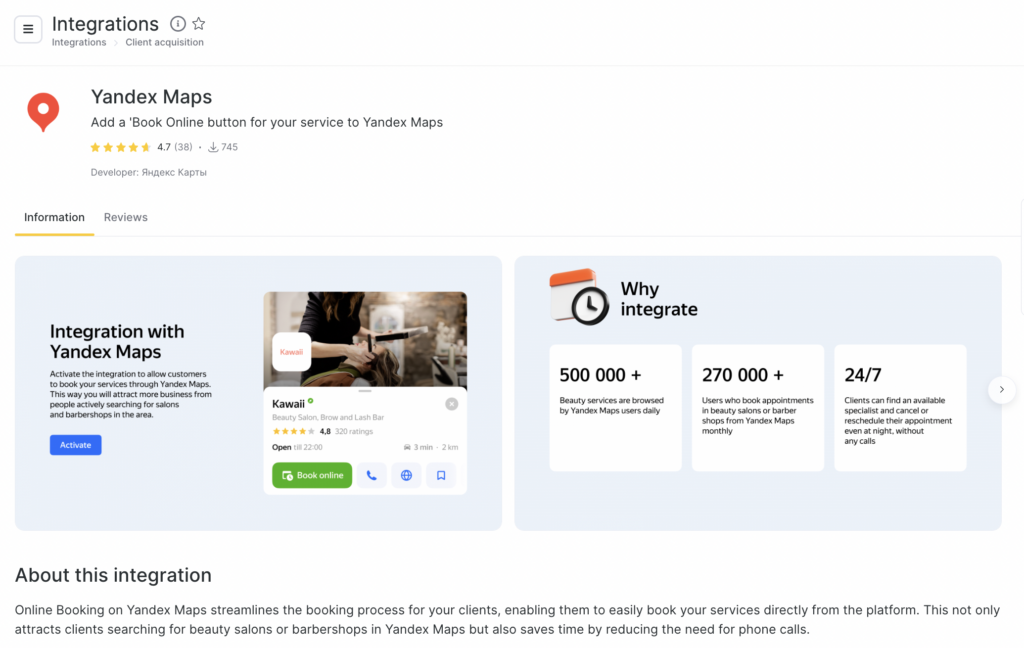
- In Altegio, go to Integrations > Online booking and select the Yandex Maps app.
- On the page that opens, click Connect.
Enter the company name, postal code, and address exactly as they appear on Yandex Maps.
For the company to be displayed on Yandex Maps, the information in Altegio must match the information in your company card on Yandex Maps. Check that the data is correct; if necessary, you can edit it.
Click Connect.
After the integration is connected, the “Book Online” button will appear in Yandex Maps within 7–10 days. If the button does not appear after this time, contact Yandex support and also check that the data entered in the Altegio app settings is correct.
Notes:
If a duplicate of your company appears on Yandex Maps, you can report it directly in Yandex Maps. Open the organization profile and in Overview click Report an inaccuracy.
Currently, online payments and online sales are not available for online booking widgets via Yandex Maps.
When booking on Yandex Maps, the SMS with the confirmation code is sent by Yandex.